Your password was probably leaked. Here is the one thing that still protects you.
A strong password isn’t enough on its own anymore. Here’s how to add the one layer that actually stops credential theft.
InboxPD | Micro PD 005
You did everything right. Sixteen characters with a mix of uppercase, lowercase, numbers, symbols. You didn't use any dictionary words or significant birthdays or anniversaries. There wasn't anything that someone like Kramer could guess and it's gone far beyond needing a secret code with digits tied to letters to help you remember your ATM code. BOSCO anyone?
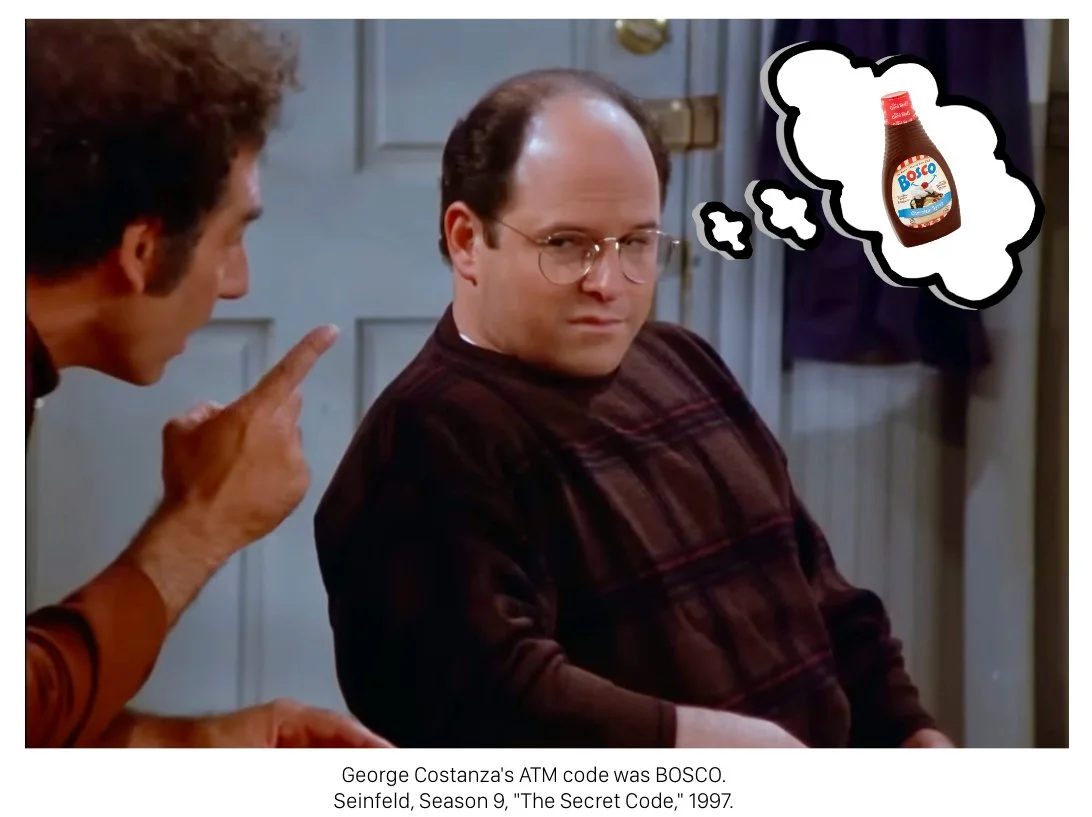
Assume your password is already in a leaked database. Start there. A password is a shared secret. You know it. The service knows it. That’s the whole model. You hand it over, encrypted if you are lucky, and trust them to look after it. Every service you use has a copy of yours stored somewhere you can’t audit. Some of these databases have been breached. Some will be breached tomorrow. You won’t always hear about it or see their disclosure pass through your inbox.
Your password is a line in a spreadsheet somewhere, waiting to be tested.
This isn’t a password problem. It’s an authentication problem. The model worked when the surface was small and you only had three or four accounts with two or three secrets. It was totally manageable. Now it’s fifty. Each one a potential leak. The system was designed for a smaller, less connected, less reliant world. It was never updated for the one we live in.
You cannot memorise your way out of this. The thieves aren’t who you picture them to be. They aren’t individuals at keyboards guessing your dog’s name. They are running a large, complex, and profitable business and their software is doing the work. Millions of leaked email and password combinations tested against major platforms every minute. Gmail. Microsoft. Banking portals. HR Systems. The attack has a name. Credential stuffing. It’s automated, constant, and cheap. The economics depend on volume and speed. Thousands of accounts cracked per hour at almost no marginal cost. Any target that slows them down ruins the return on investment. A hard target gets skipped.
Your job, then, is to become the target that gets skipped.
A password is a secret knock on a door. Elaborate knocks, simple knocks, it doesn’t really matter. If a thief overhears you, they replicate it perfectly. The door has no way of telling who is knocking. It just opens.
Two-factor authentication (2FA) is the bouncer behind the door.
You do the secret knock. The bouncer opens the door. Then the bouncer asks to see the physical ID in your pocket. Not a copy or a scan but the actual ID. The thief with your leaked password can do the knock all day but they can’t produce the ID. The stolen knock is worthless without the phone in your hand.
Not all 2FA is equal. SMS codes are better than nothing but they can be intercepted through SIM swap attacks. Authenticator apps are meaningfully stronger. Hardware security keys are stronger still. If you are setting this up fresh, skip SMS and go straight to an authenticator app.
Passwords alone are something you know. Something you know can be leaked. 2FA adds something you have. That part stays with you, in your pocket, on your wrist, or on your keyring if you want to go George Costanza with the stuffed wallet.
This is the part the economics can’t route around. Automated attacks need frictionless access. A cracker running leaked credentials at scale isn’t going to pause the machine to social-engineer your 2FA code because that would break the model and slow everything down. Remember, for them, slow isn’t profitable.
With 2FA you become too expensive to hack. You get skipped.
Deploying the bouncer takes about five minutes. Maybe less.
Gmail has 1.8 billion users. Apple has 2.5 billion active devices. Microsoft sits somewhere in between with over 400 million Outlook users. Nearly everyone reading this has an account with at least one of them. Most of you have all three. The bouncer is free. Each platform has been placing it at the door for years, waiting for you to use it.
For Google, head to myaccount.google.com/security and find How you sign in to Google. Click 2-Step Verification and follow the prompts. Add the Google Authenticator app. The moment you finish that setup is the moment the stolen knock becomes worthless. For Microsoft, it’s account.microsoft.com/security and Two-step verification. For Apple, open Settings on your iPhone, tap your name, then Sign-In & Security, then Two-Factor Authentication. Same bouncer. Same five minutes.
While you are on any of those pages, run the audit that comes with it. Google has the Security Checkup. Microsoft has the Security Dashboard. Apple has Security Recommendations in the Passwords app. Free. Thirty seconds. It will flag anything else that needs your attention.
Do it for work. Do it for personal. Both matter.
If you only have time for one today, start with email. Email is the master account. Whoever controls your email can reset every other account you own. The bouncer needs to be at that door first.
Every account that offers 2FA and doesn’t have it turned on is an account relying on a secret nobody controls anymore. That used to be enough, but it isn’t now.
Sources: Gmail user figures via DemandSage, 2026. Apple active device figures via Apple Q1 2026 earnings release. Microsoft Outlook figures via Microsoft published statistics, 2025-2026.